 Dormis
From sign-up to goodbye, at a real hostel.
We opened a new account and recorded every step at Qué onda! Hostel, in Ubatuba: the website, the rooms, the WhatsApp booking, the team, the guests' arrival and the goodbye. Nothing here is a mockup.
 Qué onda! Hostel · Itaguá, Ubatuba (SP)
Create your hostel's account
The hostel's name, your email and a password. Once you confirm your email, the dashboard is ready to go.
- Just an email
Build the website and put it online
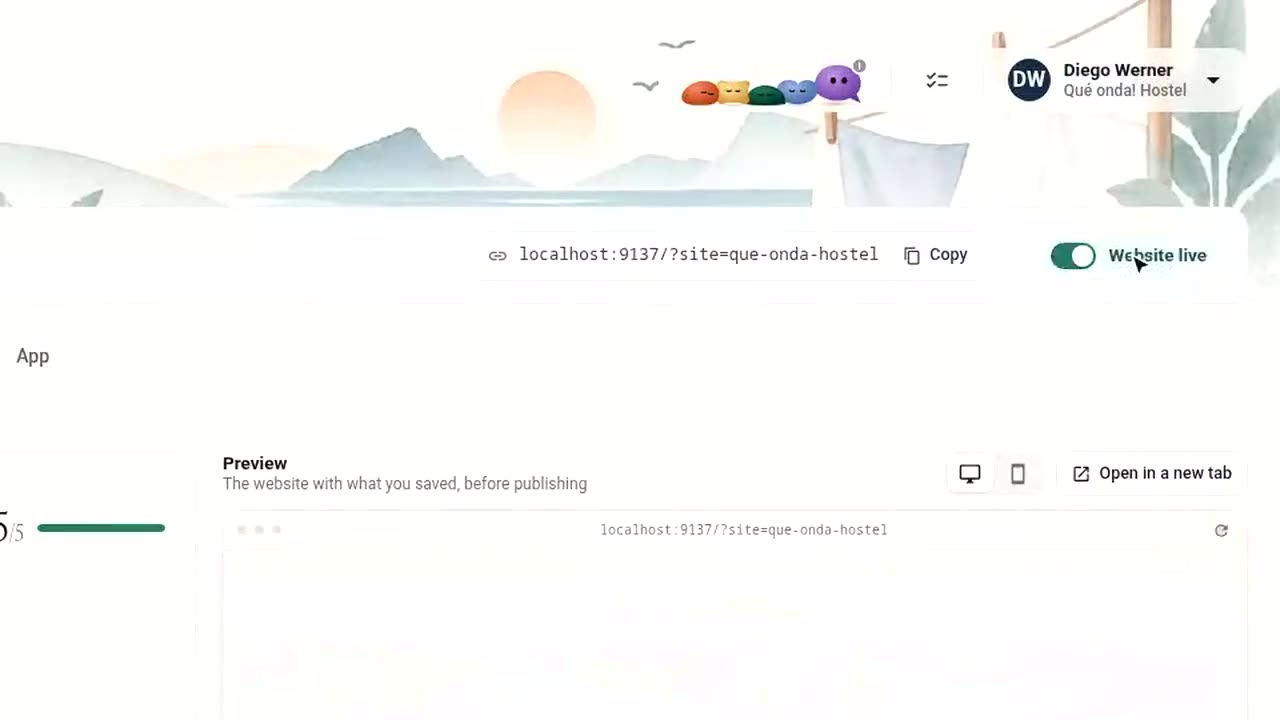
Choose the template, the color and the font, upload the hostel's photos and activities. The website comes out in Portuguese and already translated into the languages you offer.
- Photos of the hostel
- Your own domain is optional
Rooms, payment and channels
Set up dorms and rooms with beds and rates, the house rules and how you collect the deposit. Connect Beds24 and availability flows to Booking, Airbnb, Hostelworld and Expedia.
- Mercado Pago account
- Beds24 account
- Accounts on the channels you already use
From Instagram post to booking
The marketing agent spots empty nights, creates the artwork and caption with a photo of the hostel and suggests the time. You approve and schedule. The post goes live, people who see it tap the link in bio and book on the website, and Dormis shows that the booking came from Instagram.
- Instagram business account
- OpenAI key to create the artwork
The agent answers and books on WhatsApp
Emma wrote in English asking about a bed. The agent replied, closed the booking and sent the deposit link. The team followed everything in Portuguese in the front desk Inbox.
- WhatsApp Business number
The team and the daily routine
Invite the front desk and housekeeping, each with what they can see and do. On arrival day, the bed is already assigned and check-in takes care of the registration form and the balance in a single step.
- Just each person's email
The guest arrives and joins the Community
Mateo writes in Spanish, Emma reads in English, Rafael in Portuguese, Camille in French. They plan the music jam and a hike, and chat with each other and with the front desk, each in their own language.
- Nothing: translation is automatic
Checkout and housekeeping
The front desk closes the stay and the bed goes into the housekeeping queue. Whoever cleans marks it clean on their phone and the hostel is ready for the next arrival.
- Nothing
Goodbye, without losing touch
After checkout, the guest stays in the Community as someone who has stayed at the hostel. The hostel's message reaches Emma in English, and the next visit starts here.
- Nothing